
Value Trade-In
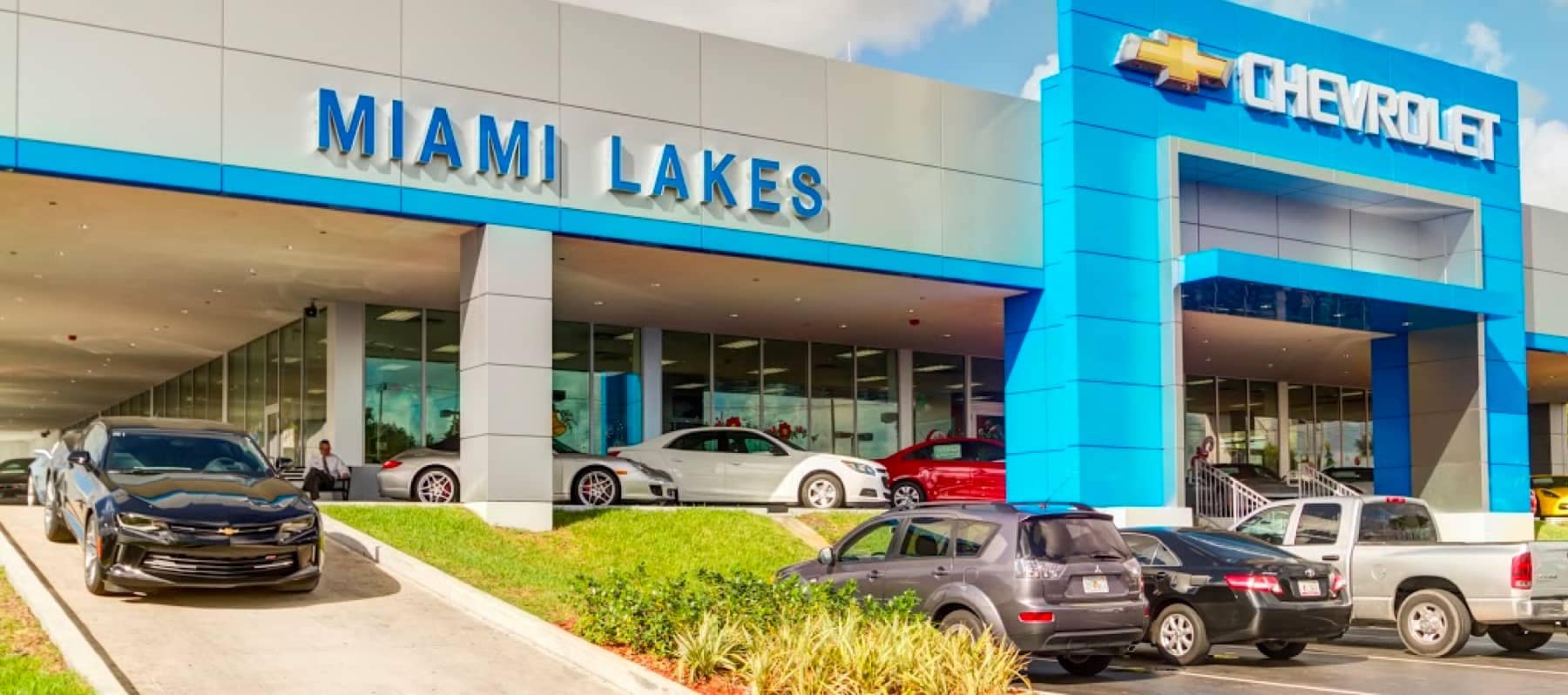
Welcome to Miami Lakes Chevrolet
Whether you're looking for a new or used car, our sales team can help with its no-pressure philosophy. Let us show you what a great Chevrolet dealer should be. We will make your car buying experience efficient and stress-free. Call us today at (877) 231-6253 to schedule a test drive.
Miami Lakes Chevrolet also has Chevrolet financing options and a great Chevrolet service center. Residents also trust Miami Lakes Chevrolet to help them with Chevrolet financing options. We offer competitive rates on car loans to help you buy the car you need. And our Chevrolet service center has been helping people just like you keep their cars running great. Give us a call at (786) 837-6557 for routine maintenance or car repair.
For us, customer service means making your car buying experience as easy and enjoyable as possible. You'll find a number of ways that we make customer service the basis of buying and owning a car from our dealership:
You'll find all the information you need to buy a car right here on our website.
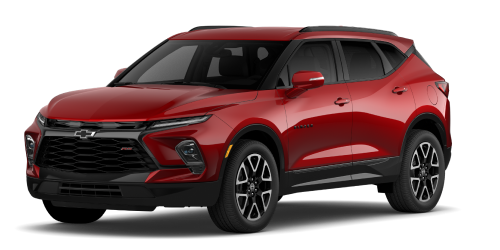
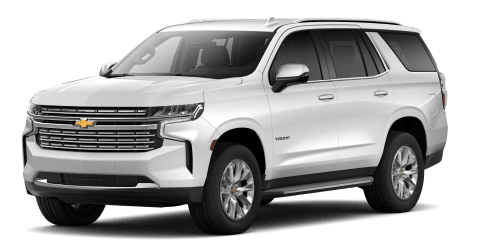
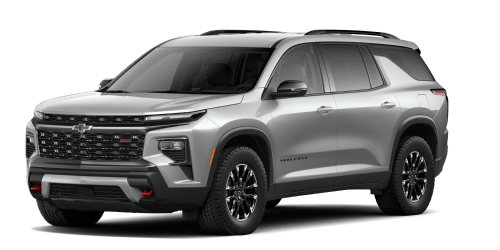
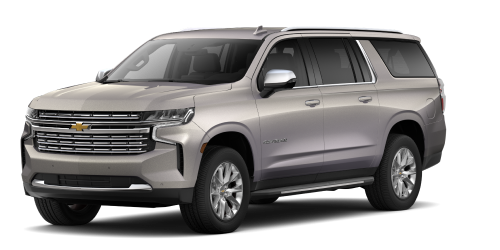
Search through our extensive selection of new and pre-owned vehicles.
Request a price quote on a new vehicle of your choice.
Visit our departments. Our friendly, professional staff will exceed your expectations for personal service.
Enjoy prompt, quality service from our Service Center. Make an appointment or order parts online.
Our Reviews
Introduction Most people accumulate several Gmail accounts over the years — one from high school, one for a job that ended, one you made just to sign up for a Wi-Fi network at a coffee shop. If you've searched for "old Gmail account," you're probably trying to do one of three things: get back into it, secure it, or get rid of it. This guide covers all three. If you want more information just contact me now. 24 Hours Reply/Contact Telegram: @usatrustit 1. Recovering an Old Gmail Account If you've lost access to an old account, Google's Account Recovery tool is the official (and only safe) path back in. Steps to recover access: Go to Google's Account Recovery page and enter the email address. Try the last password you remember, even if you think it's wrong — Google uses it as a signal. Answer recovery prompts (previous passwords, recovery email, phone number, approximate account creation date). If you have access to the recovery email or phone number linked to the account, use that option first — it has the highest success rate. If none of that works, Google offers a form-based recovery process that asks for account history details (contacts you emailed, labels you used, approximate sign-up date). The more specific and accurate your answers, the better your odds. Tips that improve your success rate: Try from a device and location you've used before with that account. Do it as soon as you notice you're locked out — recovery gets harder over time. Avoid third-party "account recovery services" — these are almost always scams or a backdoor into account-selling schemes. 2. Securing a Dormant or Old Gmail Account An old account you never log into isn't harmless — it's a security liability. If it's still tied to your phone number, other logins, or personal data, it's a target. Update the password to something unique and strong. Turn on 2-Step Verification to prevent unauthorized access. Review connected apps under Google Account → Security → Third-party access, and remove anything you don't recognize or use. Check recovery info (phone/email) is current, so you can get back in if needed. Review the "Recent security activity" section for any unfamiliar sign-ins. 3. Google's Inactive Account Policy Google automatically deletes accounts that have been inactive for 2 years, which can mean losing Gmail messages, Drive files, and Photos permanently. Use the Inactive Account Manager (in Account settings) to decide what happens if you stop using the account — you can have data forwarded to someone else or set a timeline before deletion. If there's content you want to keep, use Google Takeout to export everything (emails, photos, docs) before the account is deleted or before you close it yourself. 4. Should You Delete an Old Gmail Account? Reasons to keep it: It's linked to other services (old subscriptions, logins via "Sign in with Google"). It has historical data you might need later. Reasons to delete it: It's a stale account with old personal data sitting exposed to breach risk. You're consolidating your digital footprint for privacy. To delete it safely: back up data via Google Takeout first, remove it from any linked services, then delete through Google Account → Data & Privacy → Delete a Google service. FAQ (for SEO / featured snippet targeting) Can I recover a Gmail account without a phone number or recovery email? It's harder but not always impossible — Google's manual recovery form may still work if you can answer enough account history questions accurately. Does Google delete inactive Gmail accounts? Yes, accounts inactive for 2+ years may be deleted, along with their Gmail, Drive, and Photos content, unless you've set up Inactive Account Manager. Is it safe to buy an old or "aged" Gmail account? No — this violates Google's Terms of Service, and such accounts are frequently suspended, tied to fraud, or come with security risks since you don't control the original recovery details.
Eduardo at Chevrolet Automall, Miami Lakes was the best, he made my purchase a success.
Overall good service, a small delay getting documents after.
Thank you great service and fast.
Great!! Service Rep was great communicated with me every step of the way
Awesome service here. Ernesto made this such a smooth experience.
Faster, very good service. The employees was really good explaining everything to me.
Thaell was amazing I absolutely adore my Kia K5 the big bad Wolfe grey is absolutely gorgeous! Come and see him he'll take good care of you!
Great Customer Service, fast and reliable
Great reliable service, technicians with service excellence, expert knowledge about preventative maintenance.
Was able to get into my dream car thanks to the amazing job done by the new managers. If your in the market give them a shot
Excellent customer service. Friendly and helpful
Problem was dealt with, same day and was kept up to date on the status
The service was okay and nothing to really complain about. Except it was a run around not to know exactly were to get the service completed. At first they sent me to the KIA dealership then KIA sent me back to Chevy until they figured out.
Exceptional help from Armando